

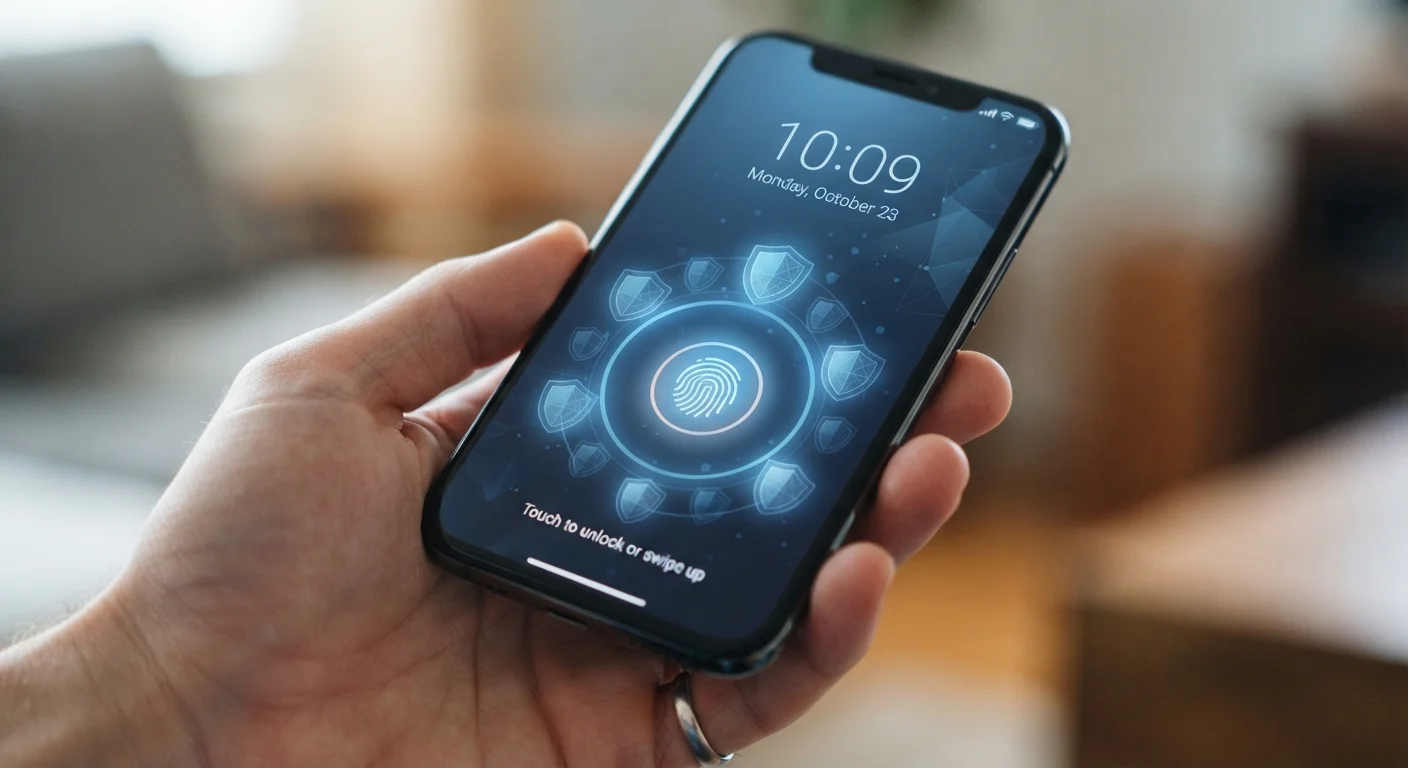
Key Takeaways
- Biometric authentication offers a strong security layer that's faster than typing a PIN.
- App permissions should be reviewed periodically — many apps request more access than they need.
- Keeping your operating system updated is one of the most effective security habits you can build.
- Automatic screen lock and two-factor authentication add meaningful protection with minimal effort.
- Security doesn't have to come at the cost of convenience when settings are configured thoughtfully.
Why Phone Security Feels Like a Trade-Off (And How to Fix That)
Most people understand that their smartphone holds sensitive information — banking apps, personal photos, health data, private messages. But many delay or skip security measures because they assume locking things down means more friction every time they pick up their phone.
That assumption is outdated. Modern mobile operating systems are designed to layer strong security with low-interruption design. With the right configuration, your phone can be meaningfully harder for an outsider to access while remaining effortless for you.
The practices below focus on settings that deliver real protection without slowing down your daily routine. For a deeper look at data controls beyond lock-screen security, see privacy settings every smartphone owner should know.
Security Varies by Device and OS
The specific names and locations of security settings differ between Android and iOS, and even between device manufacturers. The practices described here apply broadly to both platforms, but you may need to explore your device's Settings menu to find the exact options. Consulting your phone manufacturer's support documentation is a reliable way to locate specific features.
Core Practices for Everyday Mobile Security
- Enable biometric authentication as your primary unlock method. Fingerprint and face recognition are both faster than typing a passcode and harder for a stranger to bypass. Setting up fingerprint unlock takes under a minute in most phones' security settings, and you can still keep a backup PIN for situations where biometrics don't work.
- Set a short automatic screen-lock timer. A phone left unlocked on a table is an open door. Configure your screen to lock after 30 seconds of inactivity — most people don't notice the difference in daily use, but the protection when a phone is misplaced is significant.
- Review app permissions regularly. Apps frequently request access to your camera, microphone, contacts, and location — sometimes legitimately, sometimes not. Go through your permissions list a few times a year and revoke access that doesn't make sense. Managing your apps thoroughly includes understanding what permissions each one actually needs.
- Keep your operating system current. OS updates patch security vulnerabilities that attackers actively exploit. Enabling automatic updates means you're protected without having to track release schedules yourself. How OS updates actually work explains what's happening behind the scenes.
- Turn on two-factor authentication (2FA) for key accounts. Two-factor authentication — where a login requires both your password and a second verification step, like a code sent to your phone — makes unauthorized account access substantially harder even if a password is compromised.
Quick Actions You Can Take Right Now
Not every security improvement requires a settings deep-dive. Several of the most impactful changes take only a minute or two to implement.
These steps are particularly worth completing before switching devices. If you're moving to a new phone, transferring your data securely and reviewing your security settings on the new device should happen together.
Use a Password Manager for App Logins
Most smartphones include a built-in password manager, and third-party options are widely available. Using one means you can set unique, complex passwords for every app and account without memorizing them. A strong, unique password per account is one of the most effective defenses against credential-based attacks.
Security and Convenience Can Coexist
“Security is always excessive until it's not enough.”
— Robbie Sinclair, Head of Security, Country Energy — widely cited in technology security discussions
The most common reason people avoid security measures is the belief that they'll create friction. In practice, features like biometric unlock and auto-fill password managers often make daily phone use faster, not slower. The goal isn't to make your phone feel like a vault — it's to make unauthorized access genuinely difficult while keeping your own experience smooth.
80%+
Of breaches involve weak or stolen credentials
According to Verizon's Data Breach Investigations Report, the majority of security incidents trace back to compromised or easily guessed passwords and credentials.
1 in 3
Smartphone users never update their OS
Research from security firms consistently shows a large portion of mobile users delay or skip operating system updates, leaving known vulnerabilities unpatched.
If you're also thinking about privacy beyond the phone itself — for instance, connected home devices — the same principles apply. Privacy considerations for home security cameras offer a useful parallel to the permission and data-access decisions you make on your phone.
This article provides general information about smartphone security features and is not a substitute for professional cybersecurity advice. Security capabilities vary by device, operating system version, and software configuration.