

Key Takeaways
- OS updates contain security patches that close vulnerabilities attackers actively exploit.
- Updates are divided into major version releases and smaller monthly security patches.
- Delaying updates leaves your device exposed to known, publicly documented security flaws.
- Android and iOS follow different update distribution models, affecting how quickly patches reach users.
- Software support windows vary by device; older hardware eventually stops receiving updates entirely.
Smartphone OS Update
A smartphone operating system (OS) update is a package of software changes delivered by the OS maker that replaces or modifies the core software running your device. Updates can include security patches, bug fixes, performance improvements, and new user-facing features. When you tap "Install," your phone downloads this package and applies the changes, then restarts with the new version active.
OS updates are distinct from app updates. The OS controls hardware access, memory management, and system-level security; app updates only affect individual applications running on top of it.
What an OS Update Actually Contains
When your phone prompts you to update, that download typically contains one or more of three things: security patches, bug fixes, and feature additions. Understanding what each does helps explain why they matter at different times.
Security patches are the most critical component. Researchers and OS makers continuously discover vulnerabilities — flaws in code that could allow malicious software to access your data, intercept communications, or take control of hardware functions. A patch closes those gaps before widespread exploitation occurs. Monthly security updates exist specifically to deliver these fixes without waiting for a full version release.
Bug fixes address software behavior that doesn't work as intended — a camera app that crashes, Wi-Fi that drops unexpectedly, or a battery drain caused by a background process running incorrectly. These fixes improve stability without changing how the OS looks or works.
Feature updates arrive with major version releases and introduce new capabilities: updated privacy controls, redesigned interfaces, or improved system tools. These are the changes users tend to notice most visibly.
Security Patches vs. Major Version Updates
These are two distinct types of updates that arrive on different schedules. Security patches (often released monthly) address specific vulnerabilities and are generally low-risk to install. Major version updates (such as moving from one numbered OS release to the next) introduce broader changes and are released annually on most platforms. Both matter, but security patches are the most time-sensitive.
How Updates Are Distributed — and Why Timing Differs
The path an update takes from the OS developer to your device depends on which platform you're using. Android and iOS handle updates very differently, which explains why two phones sitting next to each other might receive the same patch weeks apart.
Apple controls both the software and the hardware in its ecosystem, so iOS updates reach all supported devices simultaneously the moment they're released. There is no intermediary between Apple's servers and your phone.
Android's path is more layered. Google releases the core Android source code, but device manufacturers customize it for their hardware — adding their own interface, pre-installed apps, and driver support. Each manufacturer must test and adapt the update before distributing it. Some carriers add another round of testing on top of that. The result is a distribution timeline that can stretch from a few weeks to several months depending on the brand and model.
~1 month
Typical Android patch delay after Google release
Industry analysis consistently shows that most Android devices receive security patches weeks to months after Google's initial release, depending on manufacturer and carrier involvement.
90%+
iOS devices on current or prior major version
Apple has reported that the vast majority of active iPhones run a recent iOS version, reflecting the direct distribution model that bypasses manufacturer customization delays.
This fragmentation is one reason security researchers pay close attention to Android patch adoption rates: a vulnerability disclosed publicly in one month may remain unpatched on millions of devices for months afterward.
Why Skipping Updates Creates Real Risk
When a security vulnerability is patched, the patch notes — which are often published publicly — effectively document exactly what was wrong. That means the window between a patch release and its installation is a period of elevated risk: the flaw is now known, but unprotected devices remain exploitable.
Attackers routinely scan for devices running outdated software versions and target precisely those documented vulnerabilities. This is not a theoretical concern; it reflects well-established patterns in how malware and data-theft campaigns operate in practice.
Keeping your OS current is one of the foundational steps in mobile security. A practical mobile security approach combines current software with strong lock screens and careful app permissions — none of which works as well in isolation. Similarly, understanding your phone's privacy settings becomes more meaningful when the underlying OS is receiving current security support.
Enable Automatic Updates for Security Patches
Both Android and iOS allow you to enable automatic installation of security updates — separate from major version updates in some cases. Turning this on means critical patches are applied without requiring manual action, reducing the window of exposure between a patch release and its installation on your device.
Devices that have passed their manufacturer's support window — meaning they no longer receive OS or security updates — present a more complex situation. They will continue to function, but they carry accumulating unpatched risk over time. Knowing your device's support status is useful context when deciding whether to continue using aging hardware.
What Happens During Installation
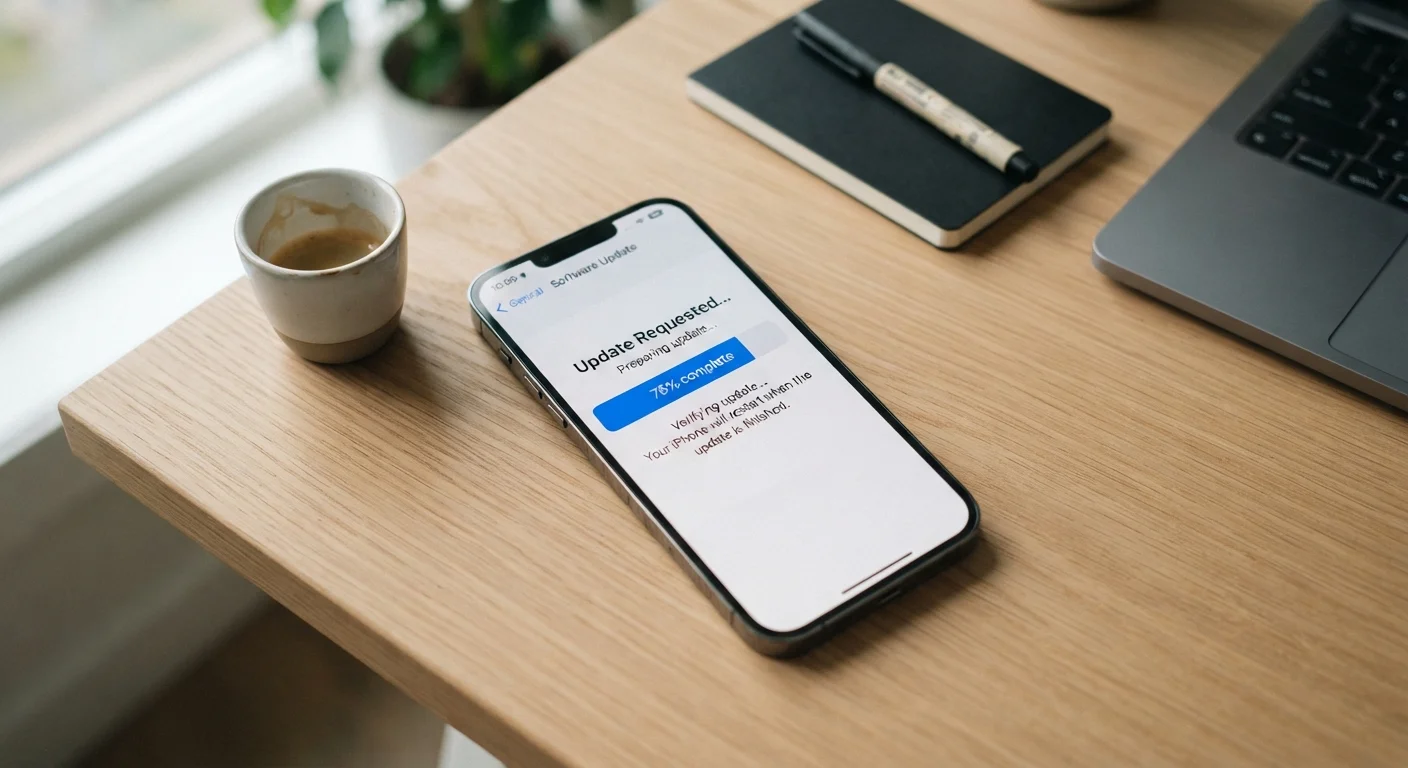
The installation process itself is straightforward but worth understanding. After your device downloads the update package — typically over Wi-Fi to avoid large data charges — it verifies the file's integrity using a cryptographic signature to confirm it hasn't been tampered with. This verification step is a built-in security control.
The device then writes the new system files to storage, which is why a restart is required: the phone needs to boot using the updated OS rather than the version currently running in memory. Major updates take longer than minor security patches because more files are being replaced. During this time, keep the device plugged in; a power loss mid-installation can cause problems that may require a full device restore.
After the restart, you may notice a brief period of slightly slower performance as the system completes background optimization tasks — recompiling apps for the new OS version, for example. This typically resolves within a few hours of normal use.
For a broader look at keeping your device running smoothly, managing your apps alongside OS updates ensures both the system and your installed software stay in good shape.
This article is for informational purposes only. Software behavior, support timelines, and update policies vary by device manufacturer and may change over time. Consult your device maker's official documentation for specifics about your model.