

Key Takeaways
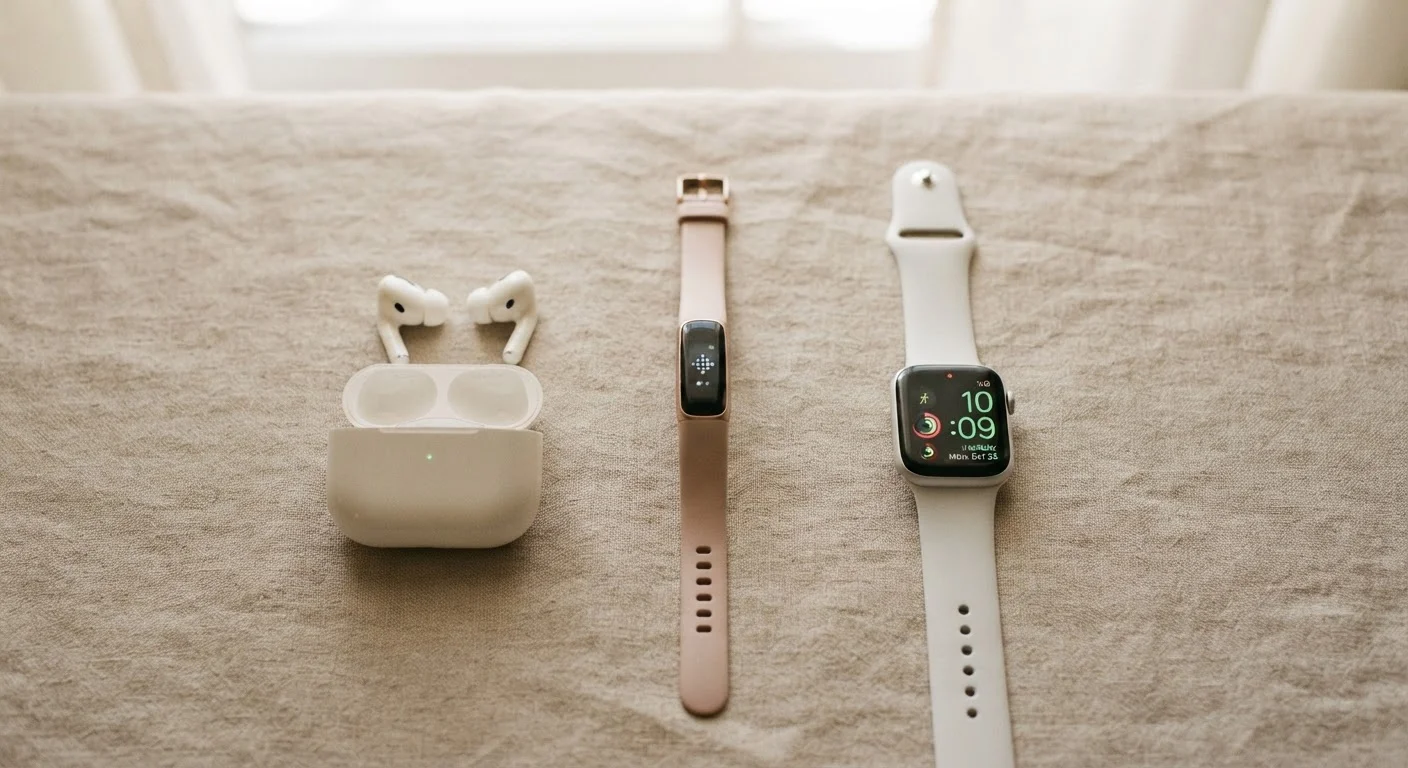
- Wearables include fitness trackers, smartwatches, and hearables — each serves a different primary purpose.
- Fitness trackers focus on health data; smartwatches add communication, apps, and deeper OS features.
- Wireless audio devices vary most significantly in fit, noise isolation, codec support, and battery life.
- Compatibility with your existing phone and apps matters as much as any single hardware feature.
- Smartwatch health metrics are useful indicators, not medical diagnoses — always consult a professional for health concerns.
Start here
What Falls Under Wearables and Audio
Next
Fitness Trackers vs. Smartwatches: The Core Difference
Then
Wireless Audio: Earbuds, Headphones, and What to Compare
When you're ready
Key Features Worth Paying Attention To
Final step
Before You Set Up: Practical First Steps
What Falls Under Wearables and Audio
The term wearables covers any computing device you wear on your body — most commonly on the wrist, in the ears, or clipped to clothing. In practice, the category breaks into three main groups: fitness trackers, smartwatches, and hearables (audio-first devices like wireless earbuds and headphones). Each solves a different problem, and conflating them is the first mistake most shoppers make.
Wireless audio, while sometimes treated separately, increasingly overlaps with wearables. Many earbuds now include health sensors, voice assistant support, and even posture detection. Understanding the landscape before you buy prevents both overspending on features you won't use and underbuying on ones you'll miss immediately.
Wearable
Any computing device designed to be worn on the body, such as a smartwatch, fitness band, or smart earbuds.
Hearable
Wireless earbuds or headphones that include onboard computing — such as voice assistants, health sensors, or noise cancellation — beyond simple audio playback.
Active Noise Cancellation (ANC)
A technology that uses built-in microphones to detect and electronically cancel out ambient sounds, reducing what you hear from your surroundings.
Bluetooth Codec
The format used to compress and transmit audio wirelessly. Different codecs handle varying amounts of audio data, which can affect sound quality.
IP Rating
A standardized code (e.g., IP68) that describes how well a device is protected against dust and water. Higher numbers indicate greater protection.
SpO2 Sensor
A sensor that estimates blood oxygen saturation levels using light. Consumer-grade SpO2 readings are useful as general indicators, not clinical measurements.
If you already use a smartphone and want to understand how wearables fit alongside it, the Smartphones & Tablets hub is a useful companion starting point.
Fitness Trackers vs. Smartwatches: The Core Difference
Fitness trackers are purpose-built for health and activity monitoring. They typically measure steps, heart rate, sleep stages, and calories burned, surfacing that data through a companion app. Their interfaces are minimal — often a single button or tap gesture — and their batteries frequently last a week or longer because they run lightweight software.
Smartwatches do everything a fitness tracker does, but layer on a mobile operating system, app ecosystem, notification mirroring, contactless payments, voice assistants, and sometimes cellular connectivity. That added capability comes at a cost: shorter battery life, more setup complexity, and a steeper price.
Start With Your Most Frequent Use Case
Before comparing spec sheets, identify the single scenario where you'll use the device most — morning runs, all-day office wear, travel commutes, or sleep tracking. Devices optimized for one scenario often make real compromises in another. Matching form factor to primary use will serve you better than chasing the highest-spec option.
The overlap between the two categories has grown substantially. Many mid-range smartwatches now track health metrics as accurately as dedicated trackers, while some premium fitness trackers handle basic notifications. For a structured comparison of the trade-offs, see Smartwatch vs. Fitness Tracker.
One important caveat: smartwatch health data — heart rate, ECG readings, blood oxygen estimates — provides useful trend information but is not a substitute for clinical measurement. Our deeper look at what smartwatch health data can and cannot tell you explains where these metrics are reliable and where they fall short. Always consult a qualified healthcare professional for any medical concern.
Wireless Audio: Earbuds, Headphones, and What to Compare
Wireless audio devices divide into two main form factors: in-ear earbuds (which sit inside the ear canal) and over-ear or on-ear headphones (which sit around or on the outer ear). Each has genuine trade-offs rather than a clear winner.
- In-ear earbuds are portable, sweat-resistant, and suited for workouts and commutes. Fit is critical — a poor seal reduces both sound quality and passive noise isolation.
- Over-ear headphones generally deliver richer sound and longer listening comfort for extended sessions, but they are bulkier and less suited to physical activity.
Beyond form factor, two technical factors matter most for audio quality: Bluetooth codec support and active noise cancellation (ANC). Codecs determine how audio is compressed during wireless transmission. Higher-quality codecs like aptX HD or LDAC can transmit more audio data per second, but both your source device and headphones must support the same codec to benefit. For a plain-language breakdown, see the audio codec glossary.
ANC uses onboard microphones to electronically counteract ambient sound. It is genuinely useful in high-noise environments; in quiet settings, its value is more limited.
Key Features Worth Paying Attention To
Once you know which device category fits your needs, these are the features that most affect day-to-day satisfaction:
- Battery life
- Honest expectations matter here. Manufacturer claims are usually measured under ideal conditions. Always-on display modes, GPS use, and frequent syncing all reduce real-world battery life significantly.
- Platform compatibility
- Some wearables offer full functionality only when paired with a specific smartphone ecosystem. Others work across platforms with minor feature differences. Confirm compatibility before committing.
- Water resistance rating
- Expressed as an IP rating (e.g., IP68) or ATM depth rating, this tells you whether the device can handle sweat, rain, or submersion. Not all devices labeled "water-resistant" are swim-proof.
- Sensor set
- Beyond heart rate, sensors vary: GPS, blood oxygen (SpO2), skin temperature, and ECG are common additions. Each adds value for specific use cases but also affects cost and battery draw.
Health Metrics Are Indicators, Not Diagnoses
Wearable devices can surface patterns in your heart rate, sleep, and activity that are genuinely useful for building healthy habits. However, consumer wearables are not regulated as medical devices and their readings can be affected by fit, skin tone, movement, and ambient light. Treat the data as a starting point for self-awareness, not a clinical result. If a reading concerns you, consult a qualified healthcare professional.
Before You Set Up: Practical First Steps
The setup experience for a new wearable involves more than just charging it and turning it on. Taking a few minutes to do things in the right order prevents frustration later.
- Check firmware on arrival. Most devices ship with outdated software. Connecting to the companion app and running updates before you configure health profiles avoids having to redo settings after an update resets them.
- Review app permissions carefully. Companion apps often request access to location, contacts, microphone, and health data. Grant only what the device genuinely needs to function.
- Set up your health profile accurately. Height, weight, age, and biological sex affect how algorithms calculate calorie burn and heart rate zones. Inaccurate input produces inaccurate output.
- Understand what syncs to the cloud. Wearables collect intimate data. Our companion article on wearable data and privacy covers what's typically collected and how to limit it.
For a complete pre-setup checklist, things to verify before you set up a new wearable walks through every step. And if you plan to use the device across multiple phones or platforms, pairing and syncing wearables across devices covers how to keep things clean.
If wearables are part of a broader effort to build movement habits, the Fitness & Movement hub offers practical context on how to use the data your device generates to support sustainable activity goals.