

Key Takeaways
- 5G's real-world speed gains are most noticeable in dense urban areas with mid-band or mmWave coverage.
- Low-band 5G, the most widely available type, offers modest speed improvements over 4G LTE.
- Lower latency from 5G makes real-time applications like video calls and mobile gaming more responsive.
- 5G does not replace Wi-Fi and works best understood as a complement to home and office networks.
- A 5G phone provides no benefit in areas where only 4G LTE infrastructure exists.
5G
5G is the fifth generation of cellular network technology, designed to deliver faster data speeds, lower latency, and greater network capacity than its predecessor, 4G LTE. It uses a combination of radio frequency bands to connect your phone to the internet wirelessly. In simple terms, it's the infrastructure that determines how quickly and reliably your phone can send and receive data when you're not on Wi-Fi.
5G operates across three spectrum bands — low-band, mid-band, and mmWave (millimeter wave) — each offering different trade-offs between coverage range and maximum speed.
The Three Flavors of 5G — and Why They're Not Equal
When carriers advertise 5G, they're not all describing the same thing. The network operates across three distinct spectrum bands, and the difference between them shapes your entire experience.
Low-band 5G (below 1 GHz) travels long distances and penetrates buildings well, making it the backbone of nationwide coverage. The trade-off: speeds are only incrementally faster than 4G LTE — often in the 50–250 Mbps range depending on conditions.
Mid-band 5G (1–6 GHz) is where most users notice a genuine upgrade. It balances coverage and speed, delivering 200–900 Mbps in real-world conditions. This band is expanding across major US cities and suburban areas.
mmWave 5G (above 24 GHz) offers peak speeds exceeding 1 Gbps, but its range is measured in hundreds of feet — not miles. It works in dense, controlled environments like stadiums, airports, and downtown corridors, but drops off quickly indoors or around obstacles.
Your Phone Chooses the Band Automatically
You don't select which 5G band your phone connects to — the device and network negotiate this automatically based on signal availability. This means your experience can shift within the same city block, depending on which towers are nearby and how congested they are.
Where You'll Actually Feel the Difference
For most users, 5G's practical benefits show up in three areas:
- Download speed: Pulling down a large app update, streaming high-resolution video, or downloading a podcast in seconds rather than minutes — this is where mid-band 5G earns its reputation.
- Latency: The delay between sending a request and receiving a response drops considerably on 5G. Video calls feel tighter, multiplayer mobile games stutter less, and real-time navigation updates load faster.
- Network congestion: 5G networks can handle far more simultaneous connections than 4G. At crowded events — concerts, sports games, busy transit hubs — 4G networks often buckle. A 5G connection in those settings maintains usable speeds where 4G might fail entirely.
Everyday tasks like sending texts, checking email, or browsing social media are unlikely to feel dramatically different. Those activities don't demand high throughput, so even modest 4G LTE handles them without friction.
~200–900 Mbps
Typical mid-band 5G real-world download speeds
Industry benchmarking from network testing organizations consistently places mid-band 5G in this range under real-world conditions.
~1 ms
Target latency for 5G networks
The 3GPP standard for 5G targets latency as low as 1 millisecond, though consumer-facing latency in practice is typically higher.
1 million
Devices per square kilometer 5G is designed to support
The ITU IMT-2020 specification for 5G includes a connection density target designed to address congestion in dense urban environments.
What 5G Doesn't Change
5G is a connectivity upgrade — not a device upgrade. It doesn't improve your camera, extend battery life, or enhance screen quality. If your phone has signal-related limitations, 5G may ease them in well-covered areas, but it won't compensate for poor network infrastructure.
It also doesn't replace Wi-Fi. For stationary use at home or the office, a solid Wi-Fi connection typically delivers comparable or better speeds with lower latency and no data cap concerns. To understand when to lean on cellular data versus Wi-Fi, see our guide to mobile data, Wi-Fi, and hotspots.
5G similarly doesn't solve software performance issues. A slow phone running an outdated operating system will remain slow on 5G. Keeping your OS current matters independently of network generation.
Check Your Carrier's Coverage Map Before Assuming
Carrier coverage maps show 5G availability by band type, not just a binary yes/no. Before attributing slow speeds to your device, check whether mid-band or mmWave coverage actually reaches your most-used locations. Many carriers provide interactive maps that distinguish band tiers.
Making Sense of Your 5G Icon
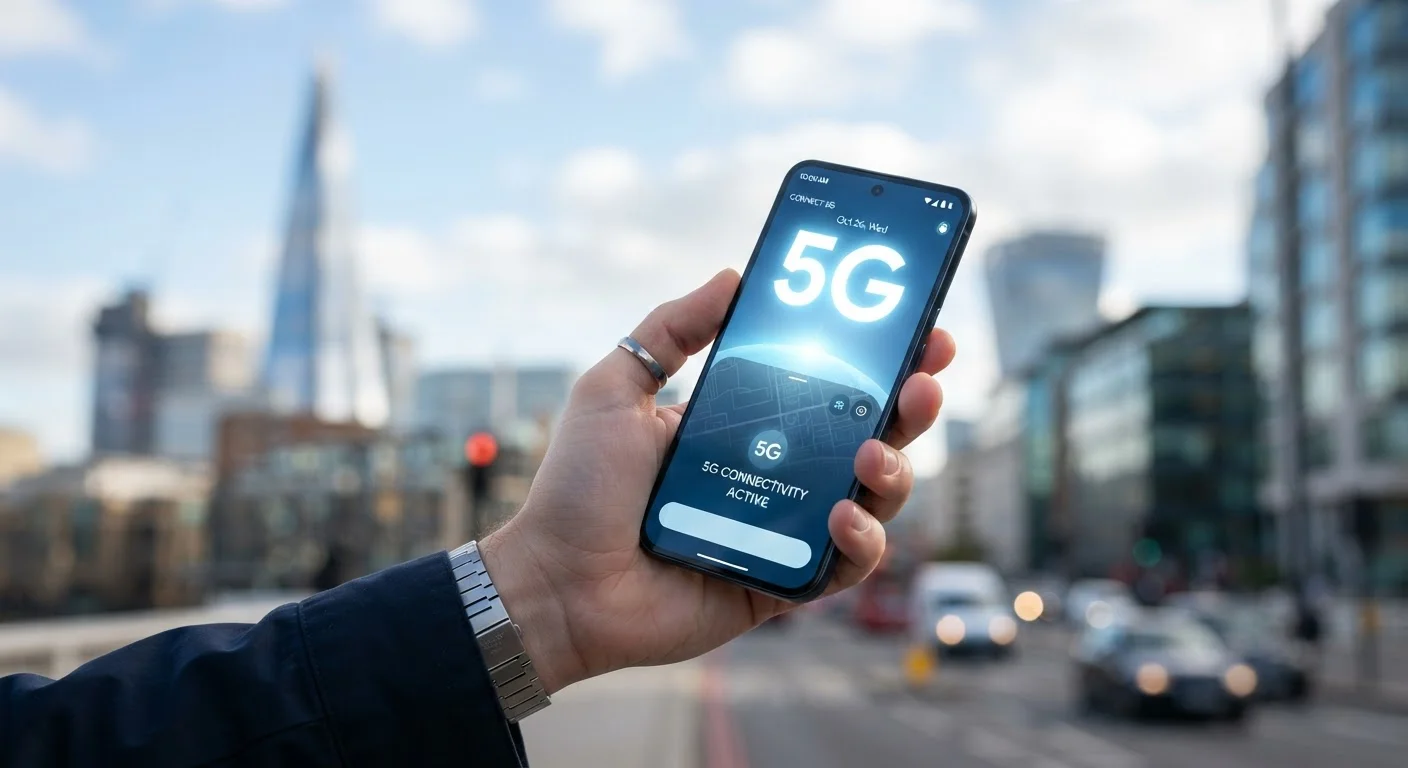
The icon in your status bar can be misleading. Seeing "5G" doesn't guarantee you're on a fast connection — it often means low-band 5G, which behaves much like strong 4G LTE. Some carriers have used labels like "5G E" or "5G UC" to distinguish between band tiers, though notation varies by carrier.
A practical approach: pay less attention to the icon and more to actual performance. If your phone feels responsive and downloads are fast, your connection is doing its job — whatever the label says. For home connectivity comparisons, the Wi-Fi 6 vs. Wi-Fi 5 breakdown offers a useful parallel for understanding what generational upgrades actually deliver in practice.
As mid-band 5G coverage continues to expand across the US, more users will move from marginal improvements to genuinely faster everyday performance. For now, the experience depends heavily on where you live, which carrier you use, and which frequency band your phone happens to connect to at any given moment.