

Key Takeaways
- A single high-performance router works well in smaller homes with open floor plans and few obstacles.
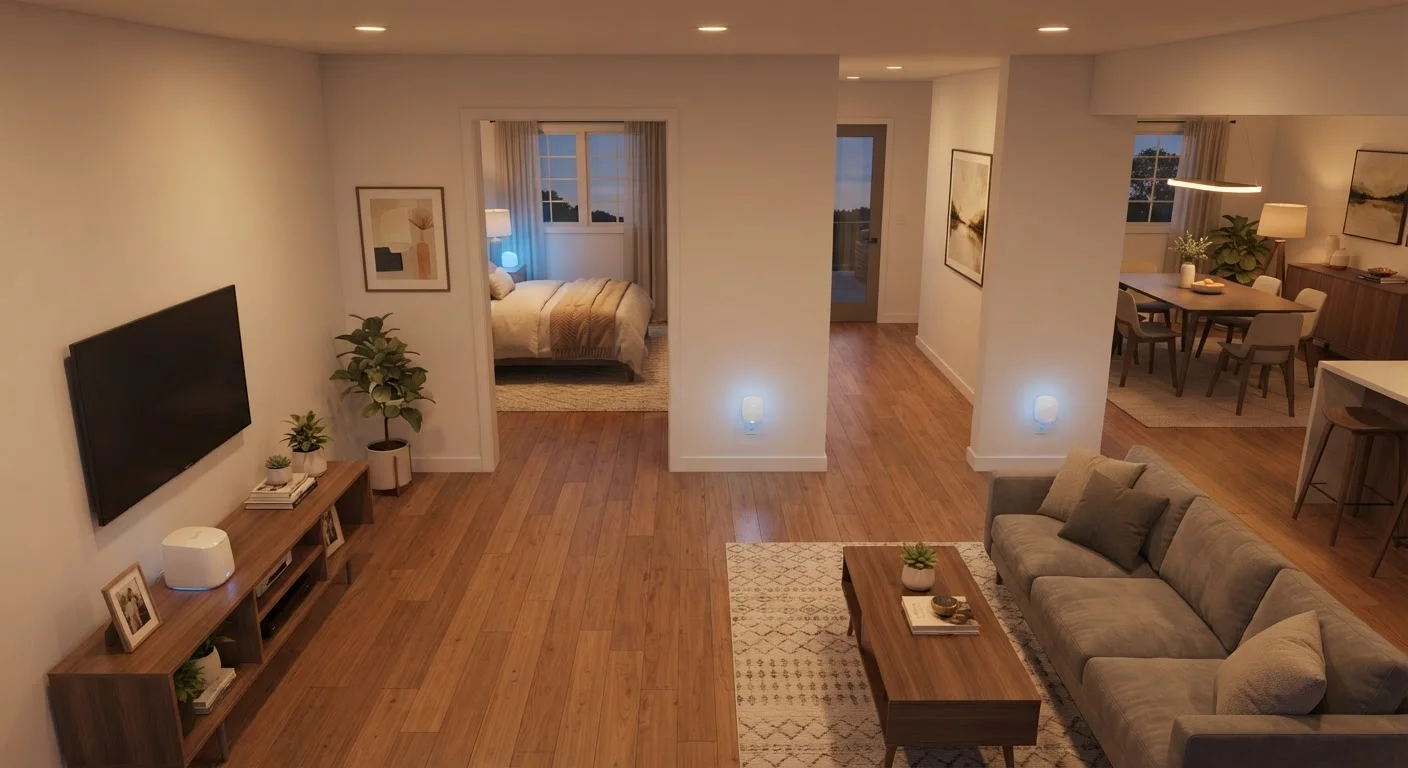
- Mesh systems use multiple nodes to blanket larger or multi-story homes with consistent coverage.
- Mesh networks typically cost more upfront but scale easily by adding nodes.
- Single routers offer lower latency and simpler management for tech-savvy users.
- Wall materials, square footage, and device count are the primary factors driving this decision.
Our Verdict
For smaller homes under 1,500 sq ft with straightforward layouts, a capable single router remains a practical and cost-effective solution. For larger, multi-story, or obstacle-heavy homes—especially those running many smart devices—a mesh system delivers more reliable, whole-home coverage. Neither option is universally superior; the right choice depends on your specific space and usage patterns.
| Best for | Recommended |
|---|---|
| Smaller homes or apartments with open layouts | Single high-performance router |
| Large or multi-story homes with dead zones | Mesh network system |
| Households with dozens of smart devices | Mesh network system |
| Budget-conscious users who need reliable performance | Single high-performance router |
What You're Actually Comparing
A single router is the traditional approach: one device connects to your modem and broadcasts Wi-Fi throughout your home. Modern routers can reach 2,000–3,000 sq ft under ideal conditions, support multiple antennas, and handle dozens of connected devices simultaneously.
A mesh network replaces or supplements that single point with a coordinated system of nodes—typically two to four units—placed throughout the home. These nodes communicate with each other over a dedicated wireless backhaul or wired connections, creating one unified network name (SSID) that devices seamlessly roam across.
Both approaches deliver Wi-Fi to your devices, but they solve the coverage problem differently. Understanding which trade-offs matter for your home starts with knowing your actual environment. For context on how Wi-Fi fits into your broader connectivity options, see our guide on Wi-Fi, mobile data, and hotspots.
How Home Layout Changes the Equation
Square footage alone doesn't determine which system you need—layout and building materials matter just as much. Concrete walls, brick construction, multiple floors, and long corridors all attenuate Wi-Fi signals significantly. A 2,500 sq ft ranch-style home with drywall walls behaves very differently from a 2,000 sq ft Victorian with plaster and lathe.
Single routers perform best when the signal can travel in relatively straight lines without many physical barriers. Place the router centrally and elevated, and a capable unit can cover a modest home well. But add a basement, a detached garage, or thick masonry and signal quality drops sharply at the edges.
Mesh nodes sidestep this by shortening the distance any single wireless hop needs to travel. A node placed on the second floor receives a strong signal from the main unit downstairs and rebroadcasts it at full strength—eliminating the dead zones a single router would create.
| Single Router | Mesh Network | |
|---|---|---|
| Ideal home size | Up to ~2,000 sq ft | 2,000+ sq ft or multi-story |
| Coverage consistency | Strong at center, weaker at edges | Uniform throughout home |
| Upfront cost | Lower ($100–$200) | Higher ($200–$400+) |
| Setup complexity | Simple, single device | Moderate, multi-node placement |
| Scalability | Limited, requires replacement | Easy, add nodes as needed |
| Latency | Slightly lower (direct connection) | Marginally higher at far nodes |
| Device load handling | Good for moderate device counts | Better for high device density |
Performance, Latency, and Smart Device Load
Single routers have one notable performance advantage: lower latency. Every device connects directly to one access point, with no intermediate node handoff. For competitive gaming or real-time video calls, this directness matters—though the difference is typically only noticeable in edge cases where you're far from a mesh node.
Mesh systems have the edge when it comes to device density. Each node shares the connection load, so a home with 30+ smart devices—thermostats, cameras, voice assistants, TVs—benefits from the distributed processing. For guidance on setting up networks that handle heavy IoT loads, see our structured home network setup guide.
It's also worth noting that Wi-Fi generation matters for both setups. Wi-Fi 6 vs. Wi-Fi 5 improvements apply equally to routers and mesh systems, so upgrading the standard used can deliver gains regardless of which architecture you choose.
Check Your Router's Actual Placement First
Before committing to a mesh system, try repositioning your existing router to a more central, elevated location. Many dead zones result from a router tucked in a corner or closet rather than from the device's fundamental limitations. A simple relocation test takes minutes and can reveal whether a single router could work after all.
Cost, Setup, and Long-Term Flexibility
Single routers are generally less expensive upfront. A capable unit covers most needs in the $100–$200 range, and setup involves connecting one device to your modem. Management is handled through a single interface, which suits users who prefer simplicity.
Mesh systems typically start at $200–$400 for a two-node kit and scale upward depending on node count and Wi-Fi generation. However, they offer easier expansion: adding a node to cover a new area is straightforward, with no complex configuration. Most mesh platforms use companion apps that make setup accessible for non-technical users.
Long-term, mesh systems are easier to evolve with a growing smart home. If you're also weighing similar wired-versus-wireless trade-offs in your home's other systems, our comparison of wired and wireless home security setups covers analogous decision factors worth reviewing.
Wi-Fi Extenders Are Not the Same as Mesh
Range extenders and Wi-Fi boosters create a separate network with a different name, requiring you to manually switch between networks as you move around your home. This is a fundamentally different—and typically inferior—approach compared to a true mesh system's seamless roaming. If eliminating dead zones is your goal, a dedicated mesh system or a second access point connected via ethernet will deliver more consistent results.