

Key Takeaways
- Smart plugs retrofit existing appliances without rewiring or replacing them.
- Energy monitoring features can reveal which devices consume the most electricity.
- Schedules and automation routines eliminate the need for manual on/off management.
- Smart plugs work alongside voice assistants and broader smart home systems.
- Not every appliance is a safe or practical fit for smart plug control.
Smart Plug
A smart plug is a compact adapter that fits between a standard wall outlet and an appliance's power cord. It connects to your home Wi-Fi and lets you control power delivery remotely — through an app, a voice assistant, or automated schedules. Unlike smart appliances, a smart plug doesn't require replacing any existing device; it adds intelligence to what you already own.
Most residential smart plugs operate on 2.4 GHz Wi-Fi, though some newer models support Zigbee or Z-Wave protocols, which require a separate hub but offer lower latency and reduced network congestion.
More Than Remote On/Off
Most people discover smart plugs through a simple pitch: turn your lamp on from the couch. That's real, but it barely scratches the surface. The more significant capabilities — energy monitoring, conditional automation, and integration with broader smart home routines — tend to go unused simply because they're not obvious at first setup.
If you're already comfortable with the concept of home automation, the smart home automation walkthrough covers how routines and triggers work at a foundational level. Smart plugs fit naturally into that ecosystem, acting as the bridge between dumb appliances and intelligent scheduling.
~10%
Share of home electricity from phantom loads
The U.S. Department of Energy estimates that standby power accounts for roughly 10% of residential electricity use in a typical American home.
1–2 W
Typical smart plug standby consumption
Most Wi-Fi smart plugs draw between 1 and 2 watts continuously, which is far less than the phantom loads they are commonly used to eliminate.
2.4 GHz
Wi-Fi band used by most smart plugs
The majority of consumer smart plugs connect exclusively to the 2.4 GHz band, which has broader range but more congestion than the 5 GHz band.
Energy Monitoring: The Feature Worth Paying For
A growing number of smart plugs include real-time energy monitoring — a feature that tracks how much electricity the connected device actually draws, measured in watts and kilowatt-hours. This turns a simple adapter into a diagnostic tool.
Plug in a television, a gaming console, or an older refrigerator and the app will show you both active consumption and standby draw. That standby figure — often called a phantom load — is where many households silently waste electricity. Devices that appear to be off but remain plugged in can collectively account for a meaningful share of home energy use.
For a broader look at which home tech actually moves the needle on energy costs, the article on home tech that genuinely saves energy separates verified savings from marketing claims.
Prioritize Energy-Monitoring Models
When choosing between smart plug options, models with built-in energy monitoring deliver more long-term value than basic on/off versions. The usage data helps you identify which devices are worth automating and which are genuinely costing you money in standby mode. It also gives you a baseline to measure any changes you make.
Scheduling and Automation That Actually Simplifies Life
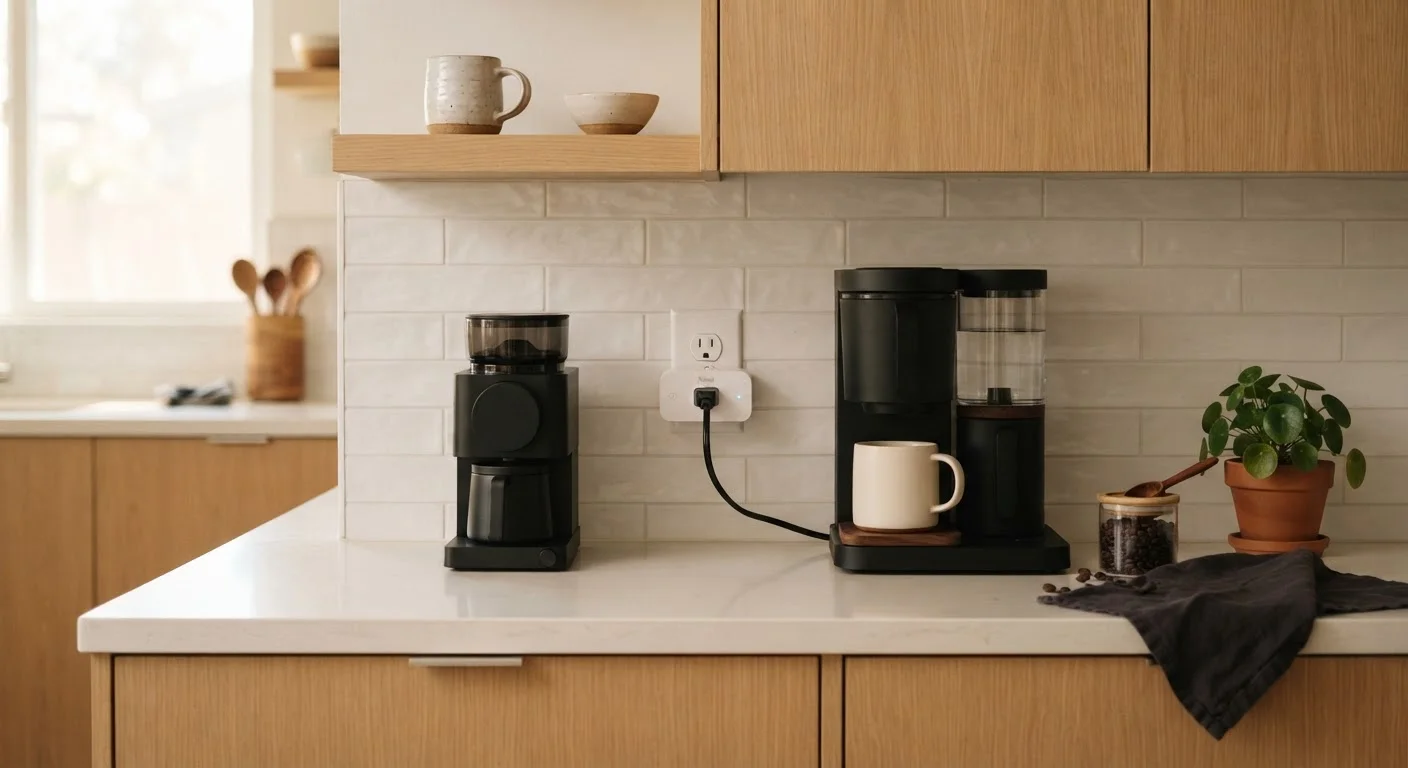
Scheduling is where smart plugs shift from novelty to genuine utility. A coffee maker set to power on at 6:45 a.m. before an alarm sounds. A desk lamp that turns off automatically at 11 p.m. A fan that runs only during peak afternoon heat. None of these require any ongoing action — they run silently on a defined schedule.
More sophisticated setups use conditional triggers rather than fixed times. If your smart home platform supports it, a plug can respond to sunrise and sunset times, sensor inputs, or even location-based triggers that detect when you've left the house. This is where smart plugs begin working as components of a larger system rather than standalone gadgets.
Voice control layers naturally on top of this. If you already use a voice assistant at home, connecting a smart plug typically takes just a few steps in the assistant's app. The voice assistants explainer is worth reading if you're unclear on what your assistant handles natively versus through third-party integrations.
What Smart Plugs Cannot — and Should Not — Do
Smart plugs are not universal solutions. Certain appliances interact poorly with remote power switching. Devices that require a physical button press to turn on after power is restored — many modern microwaves, for instance — won't resume function after a smart plug cycle. Appliances with digital memory, like some coffee makers with programmable clocks, may lose their settings each time power is cut.
More seriously, high-wattage appliances — think electric kettles, space heaters, or window air conditioning units — need to be matched carefully against a plug's maximum rated load. Overloading a plug is a genuine safety concern; always check the wattage rating printed on the plug and compare it to the appliance's power draw before connecting.
Check Wattage Ratings Before Connecting
Smart plugs have a maximum load rating — commonly 10 to 15 amps, or roughly 1,200 to 1,800 watts. Always verify the power draw of the appliance you're connecting, listed on its label or in its manual. Exceeding the plug's rated capacity creates a fire risk and can damage both the plug and the appliance. When in doubt, leave high-draw appliances on a conventional outlet.
Understanding your home's network capacity also matters as you add more smart devices. The guide on setting up a home network for smart devices explains how to keep your setup stable and secure as it grows.